













-
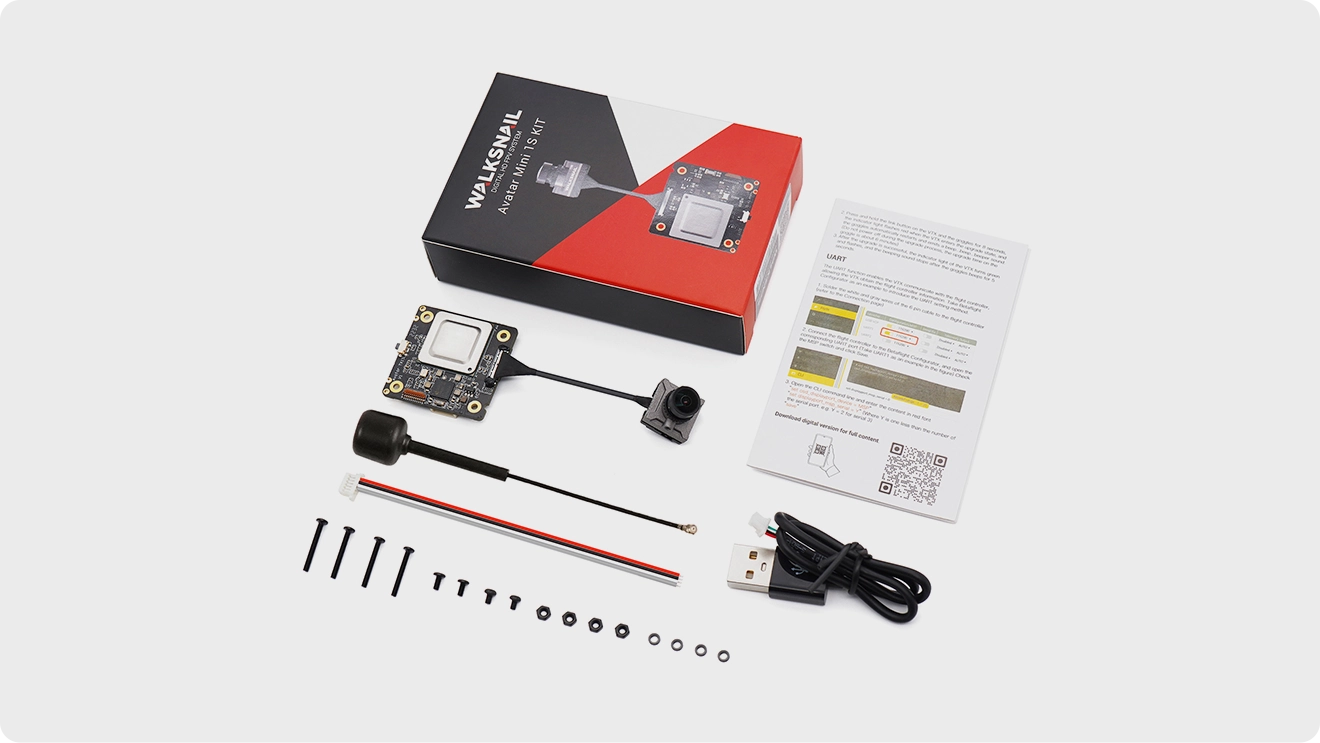
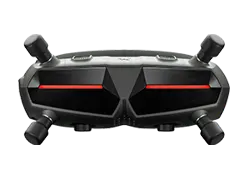
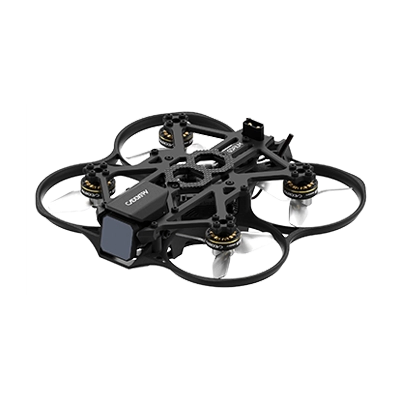
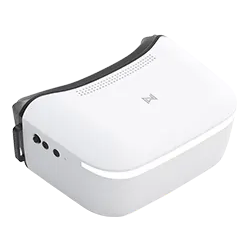
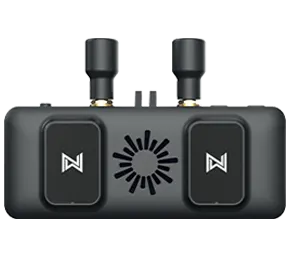
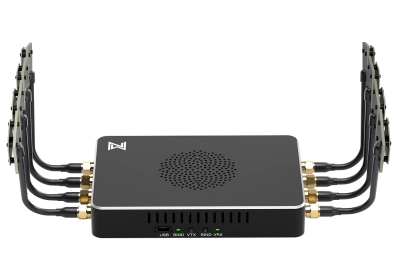
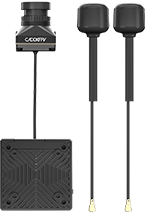
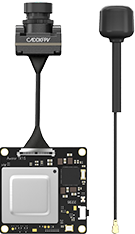
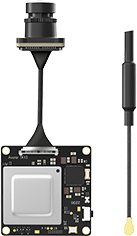
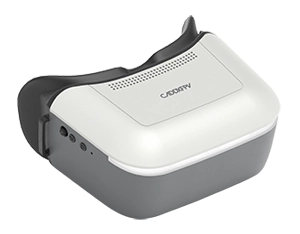
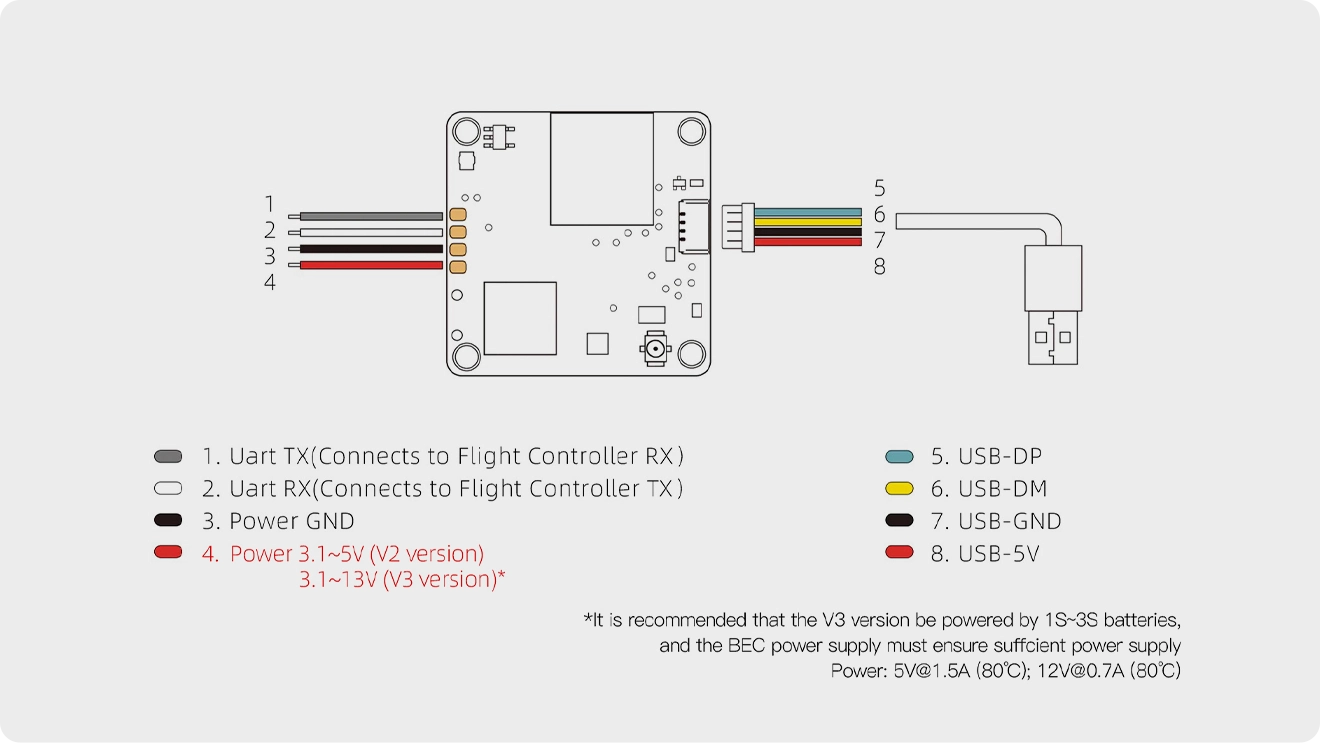
01Connect the VTX and goggles to power.
-
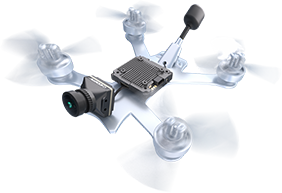
02After the devices boot up, wait for the VTX green light to flash and the status icon to appear on the goggles.
-
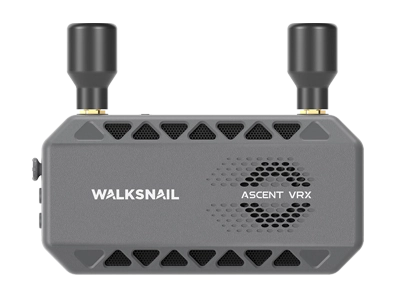
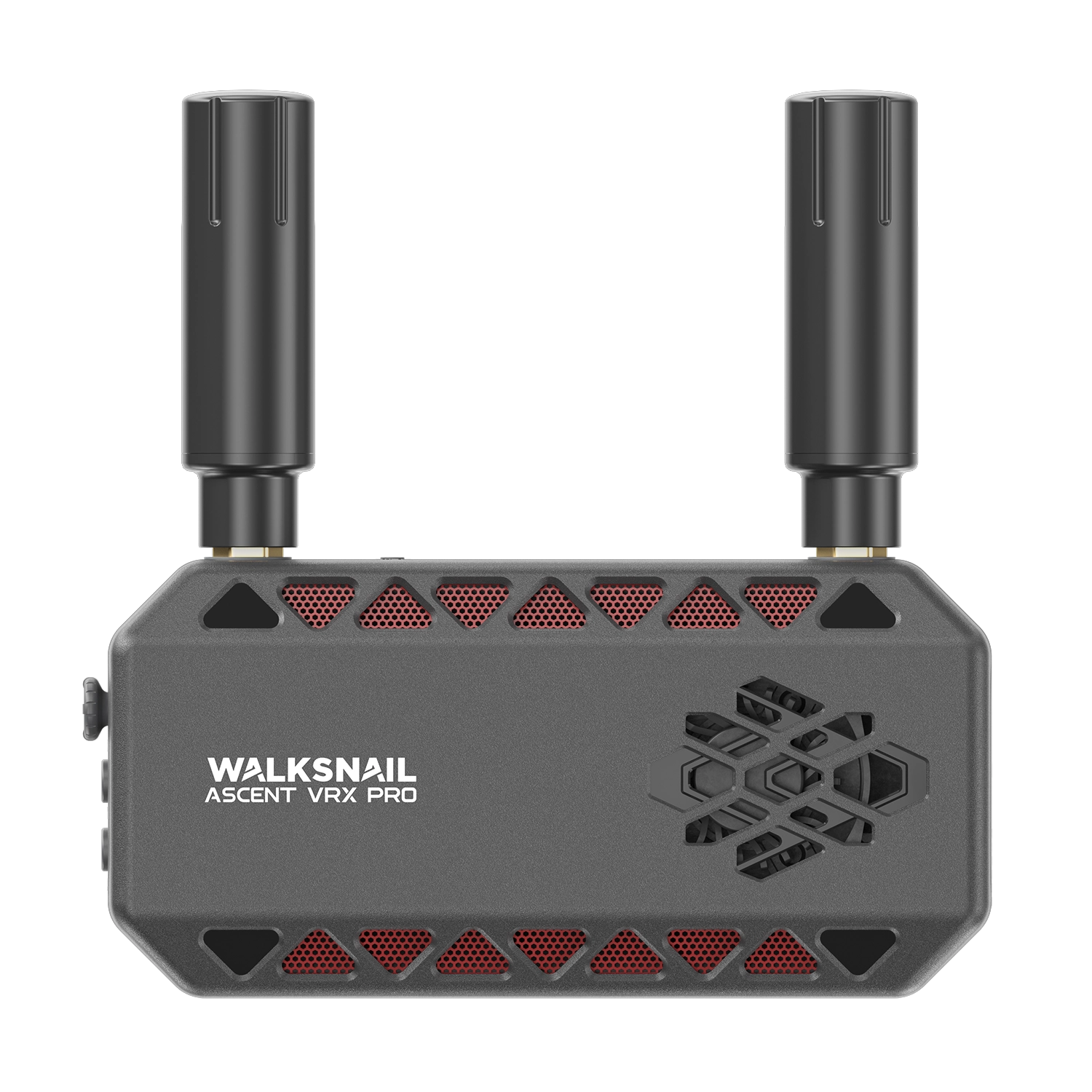
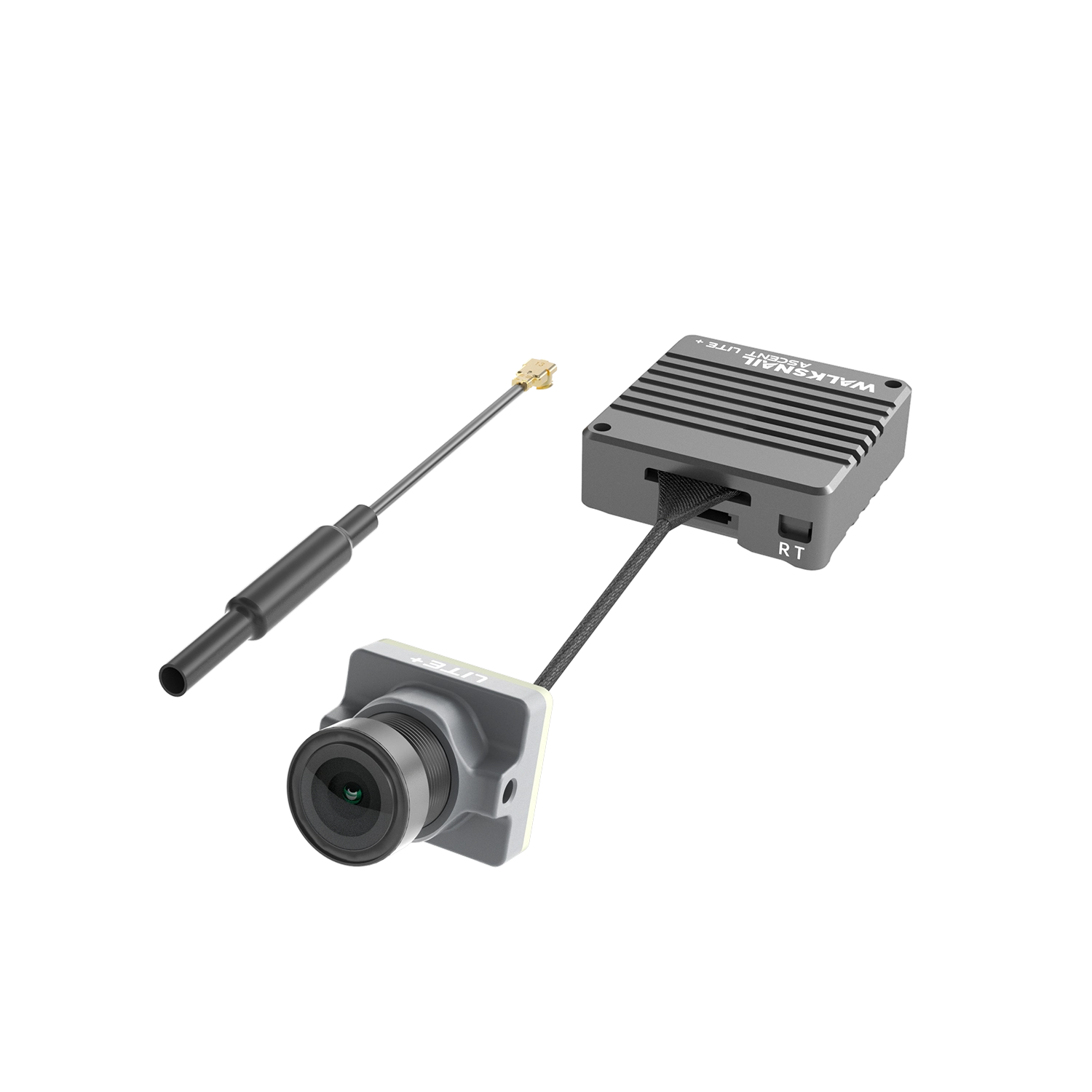
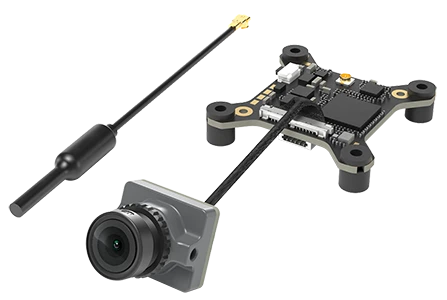
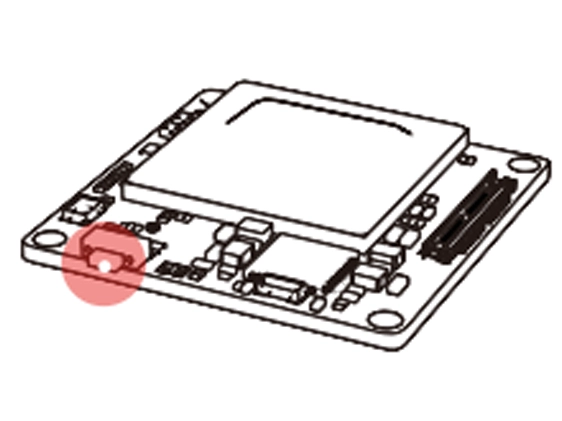
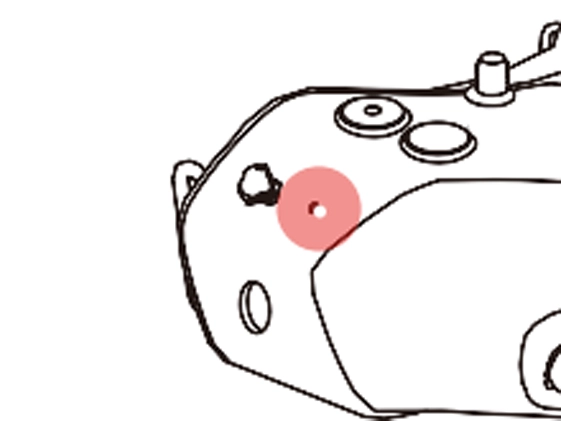
03Press the pairing buttons on the VTX and goggles respectively (as shown in the diagram). When entering pairing mode, the VTX indicator turns red, and the goggles emit a beeping sound (beep... beep... beep...).
-
04After successful pairing, the VTX indicator turns solid green, the goggles beeping stops, and the video transmission feed is displayed.