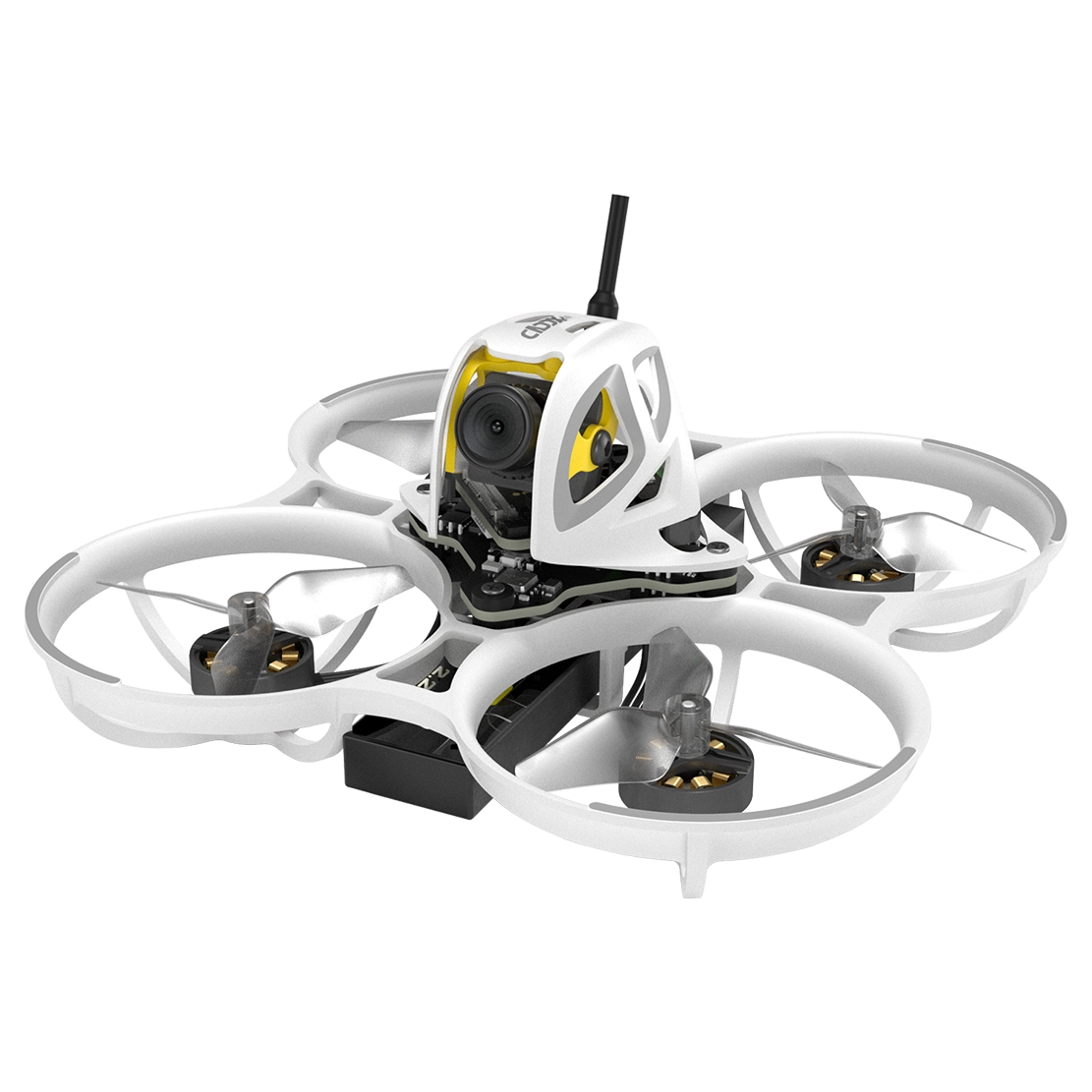
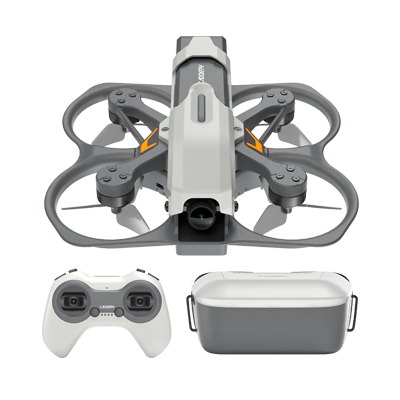
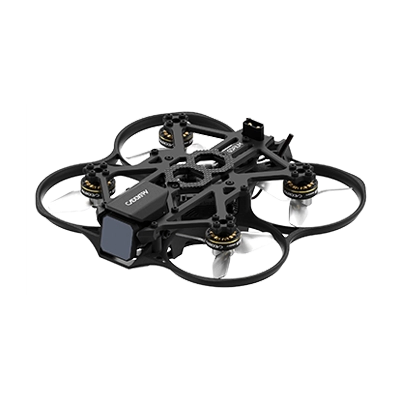
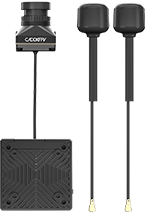
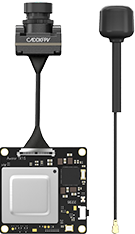
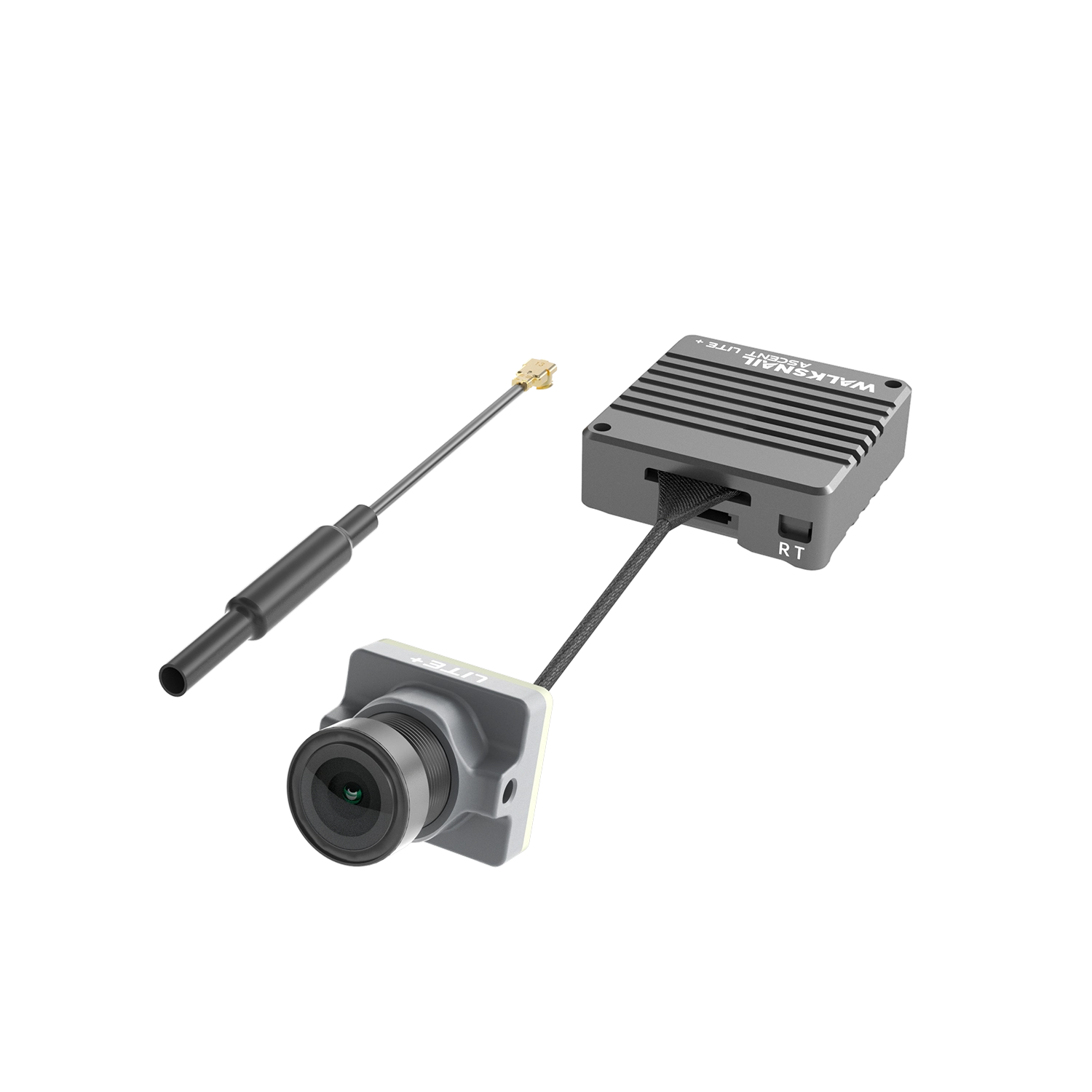
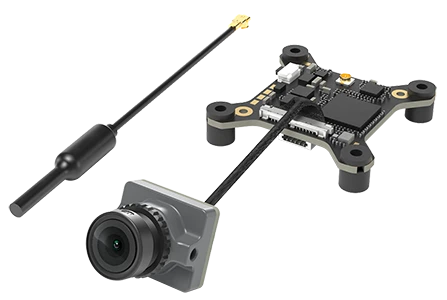
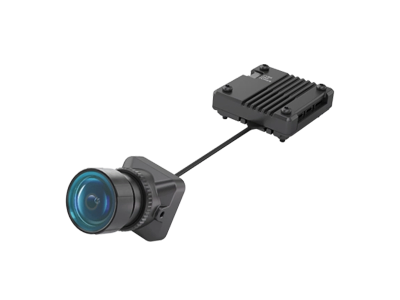
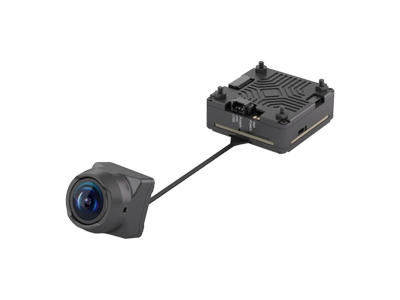
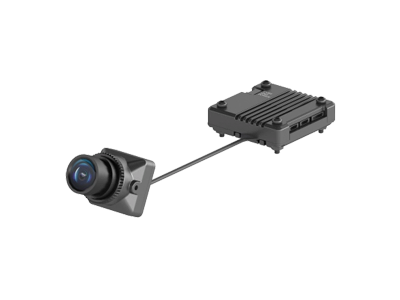
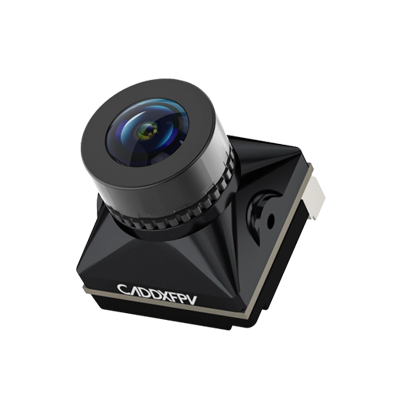
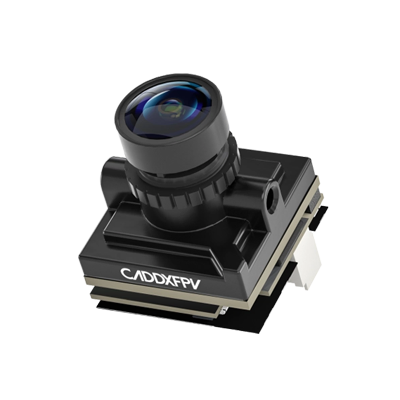
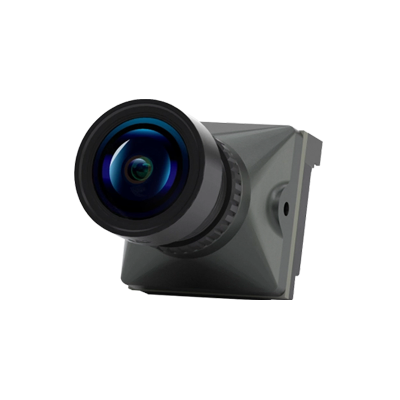
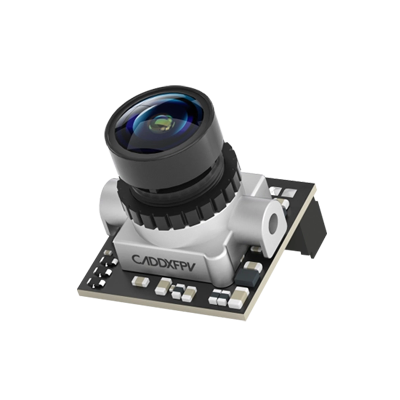
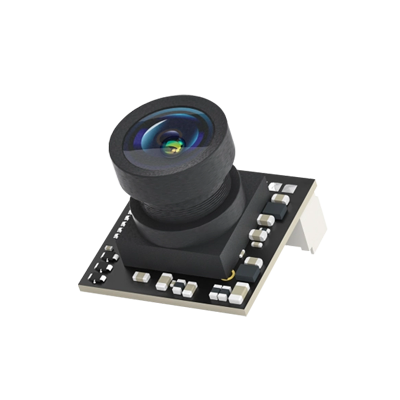
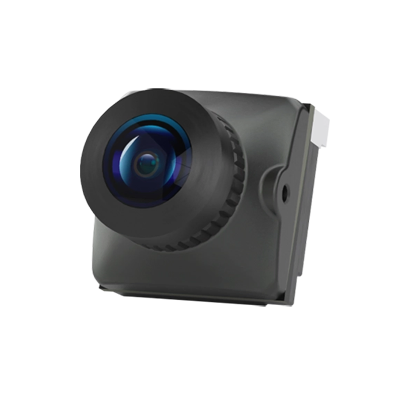
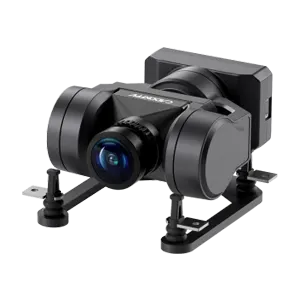
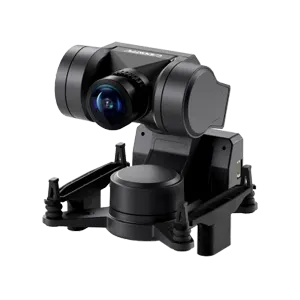
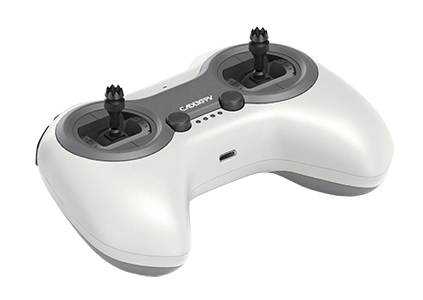











Walksnail AvatarHD Mini 1s Lite Kit

Buy Now
HD  Mini 1s Lite Kit

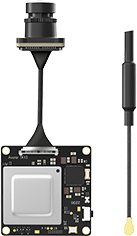
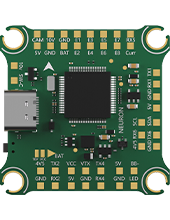
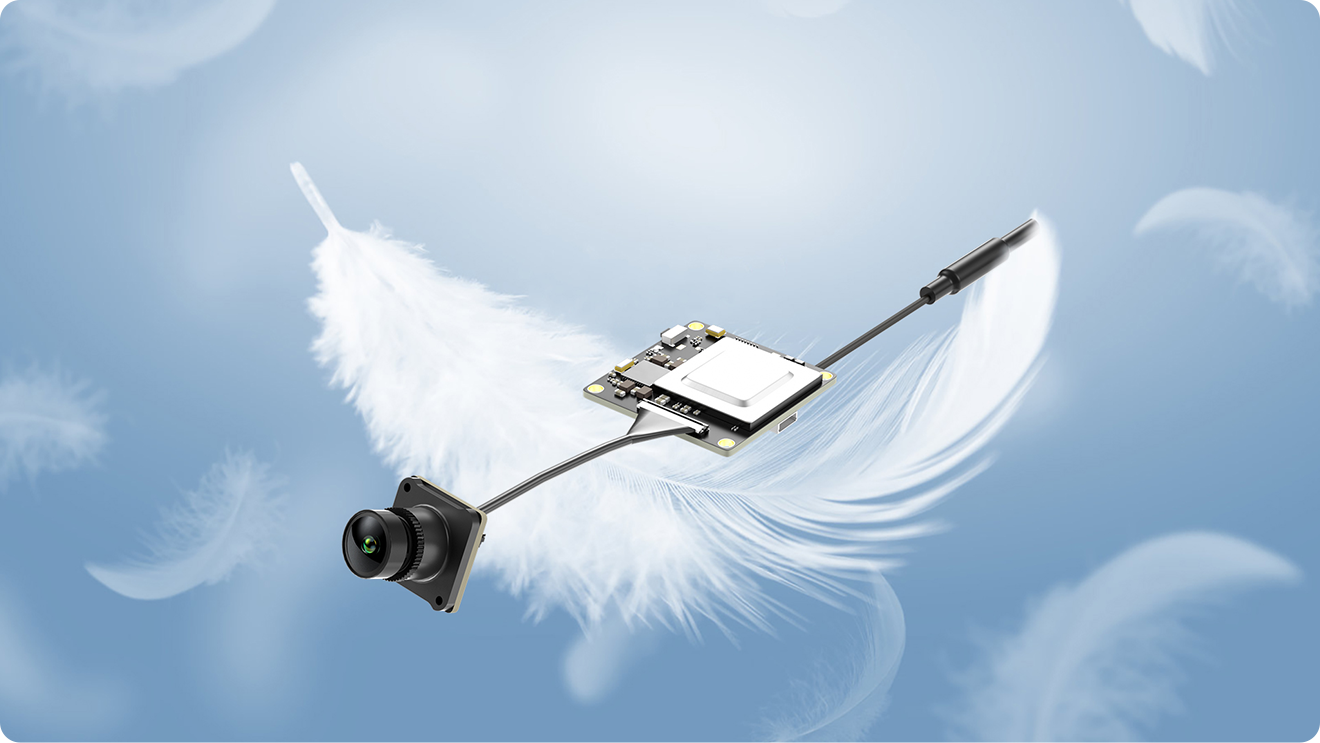
6.8g Ultra-light Single-board Design

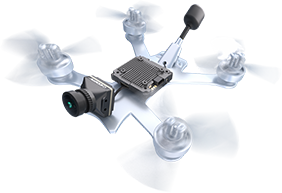
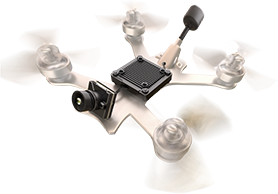
Compact and lightweight. The mini form factor minimizes load on your drone, making it perfect for ultra-light builds and micro FPV platforms.

6.8g Ultra-light Single-board Design

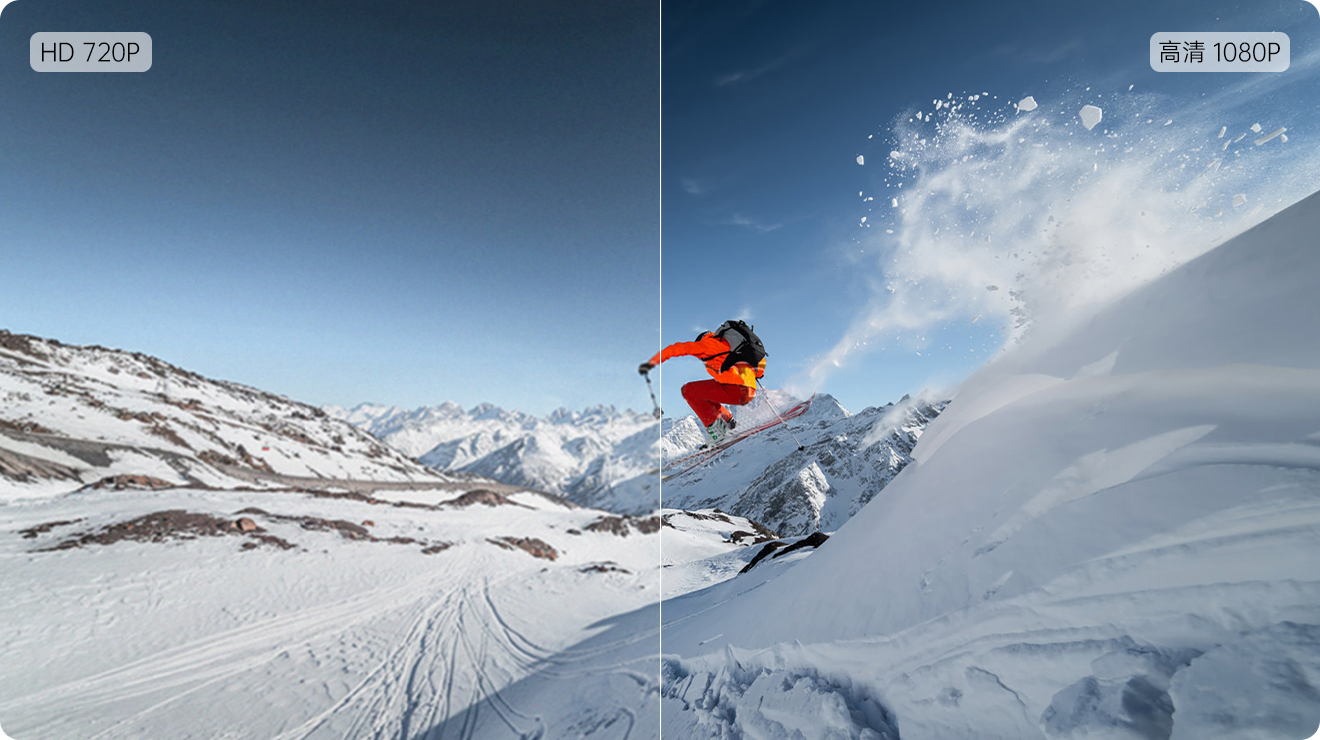
1080P/60FPS · 720P/120FPS

Powered by the Avatar HD system with advanced H.265 encoding, delivering crystal-clear 1080P FPV video with ultra-low latency. Smooth, sharp, and immersive in every flight.

1080P/60FPS · 720P/120FPS

Built-in 32GB Storage

The Avatar Mini 1S VTX now features 32GB onboard storage, supporting interference-free recording in 1080P/60FPS or 720P/60FPS. Record more, worry less.

Built-in 32GB Storage

1S System Upgraded

1S System Upgraded

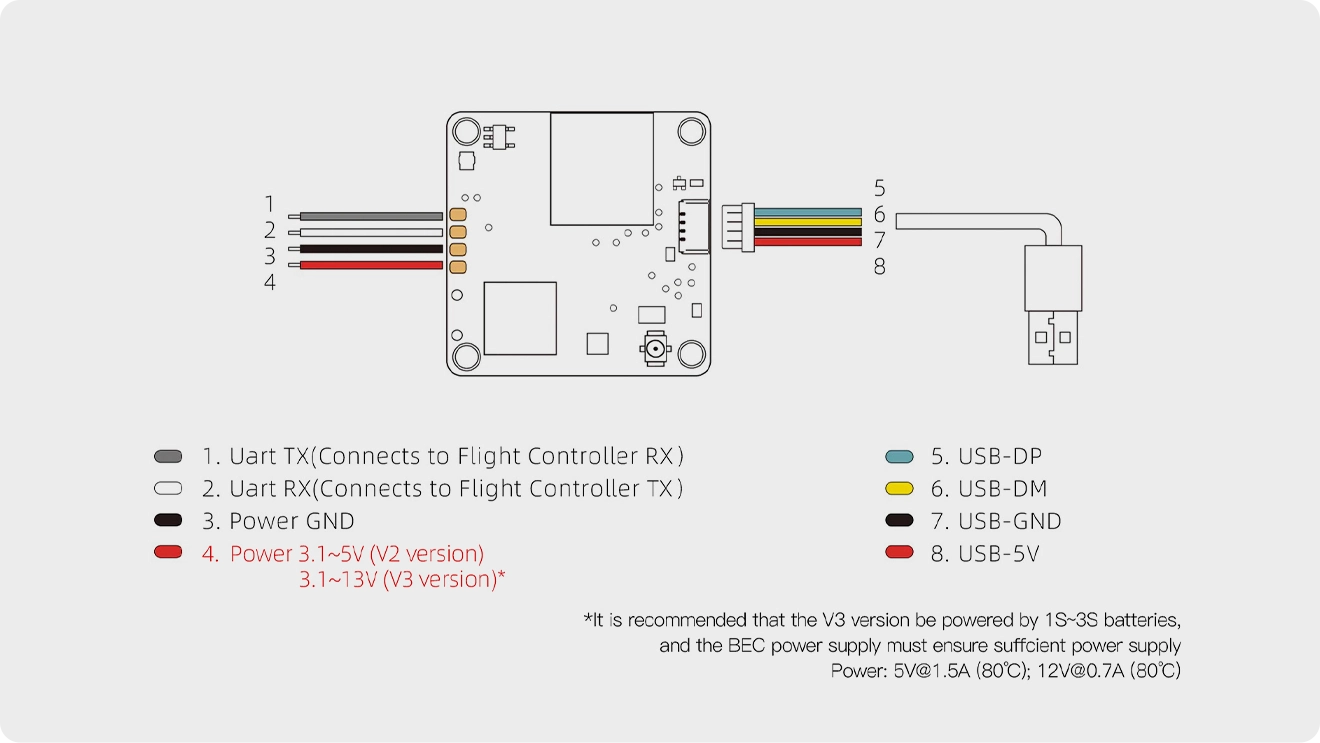
Wiring & Binding

Wiring & Binding

Pairing

  • 01
    Connect the VTX and goggles to power.
  • 02
    After the devices boot up, wait for the VTX green light to flash and the status icon to appear on the goggles.
  • 03
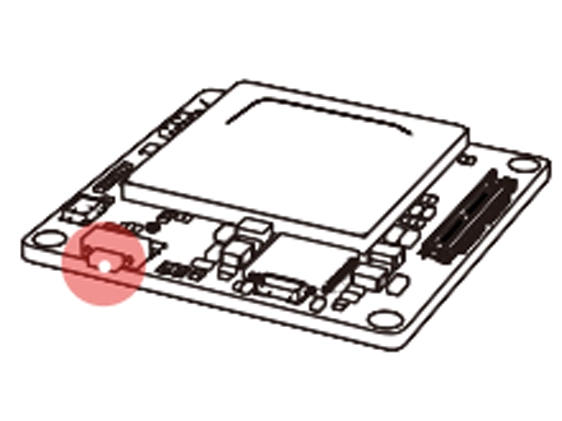
    Press the pairing buttons on the VTX and goggles respectively (as shown in the diagram). When entering pairing mode, the VTX indicator turns red, and the goggles emit a beeping sound (beep... beep... beep...).
  • 04
    After successful pairing, the VTX indicator turns solid green, the goggles beeping stops, and the video transmission feed is displayed.
Firmware Upgrade

Please download the latest firmware from the official website.Avatar_Sky_X.X.X.img: Firmware for the VTX unit.AvatarGnd_X.X.X.img: Firmware for the goggles
Copy the corresponding firmware files to the SD cards of the VTX and the goggles respectively.Do not rename the files.Note: The VTX must be powered on in order to enable USB mass storage functionality.

Status Indicators

Goggles Beep Sounds
Power-on failurebeep.. beep...... beep.. beep......
Pairingbeep.... beep.... beep.... beep....
Firmware upgradingbeep......beep......beep......beep——
Firmware upgradebeep.. beep.. beep.. beep..
VTX LED Status
Pairing / No firmware detectedsolid red
Firmware upgradingrapid red flash
Wireless connected, video output normalsolid green
Wireless not connectedrapid green flash
Camera not detectedslow green flash
Transmission overheatingalternating red and green flash

Core Model Comparison

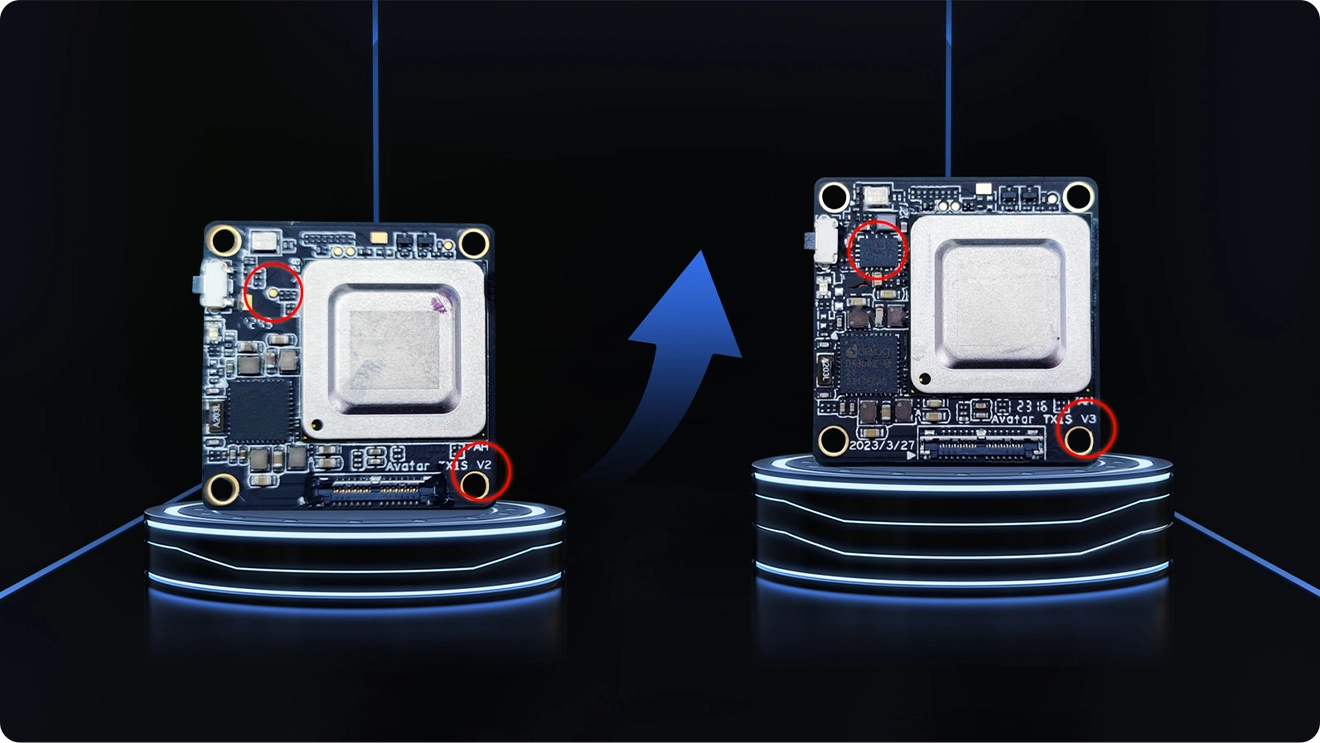
Key SpecificationsAVATAR 1s (V3 Version)AVATAR 1s LiteAVATAR Nano V3
Video Transmission500 mW, with enclosure500 mW, with enclosure500 mW, without enclosure
CameraStandard version (with mounting holes)Lightweight version (requires 3D-printed mount)Standard version (with mounting holes)
Race Mode

Not supported

Not supported

supported

Input Voltage Range3.1V – 13V (V3 upgrade)3.1V – 5V (V2 version)3.1V – 13V
Weight AdvantageCamera 3.5 g + VTX 6.8 gCamera only 1.8 g + VTX 6.8 gCamera 3 g + VTX 13.4 g

Important Notes

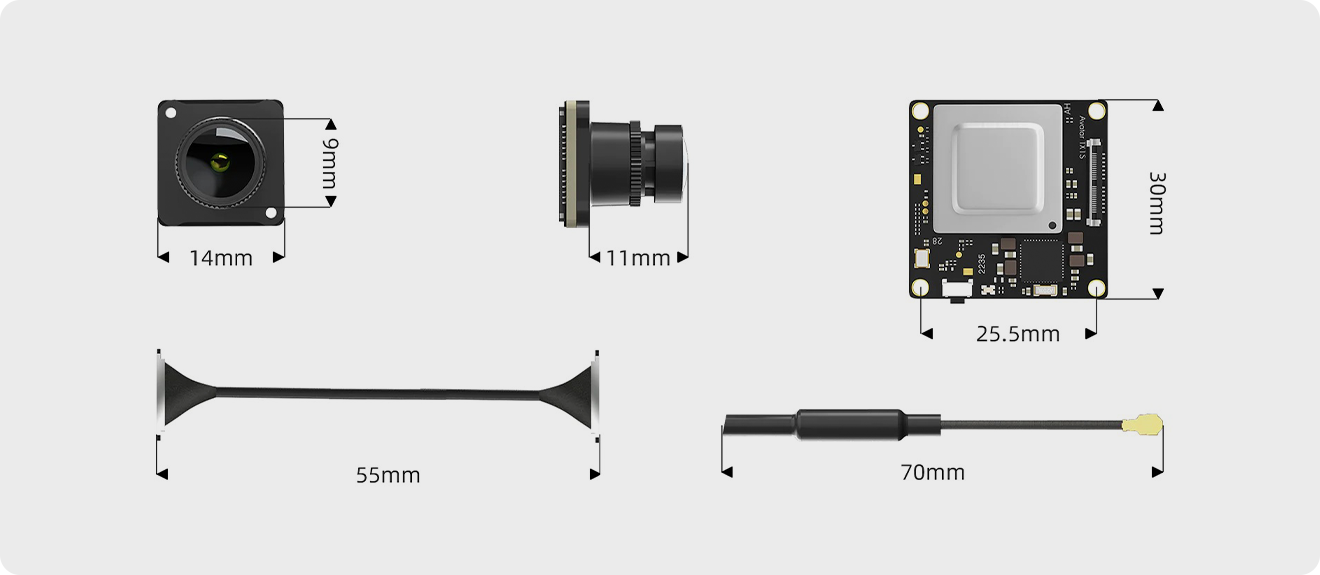
Dimensions

Dimensions

In the Box

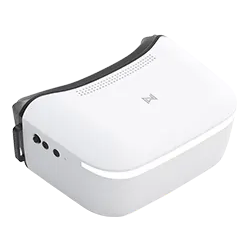
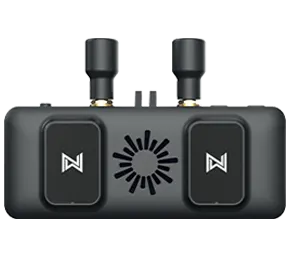
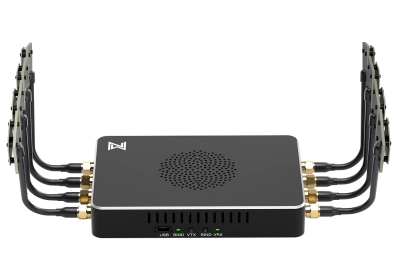
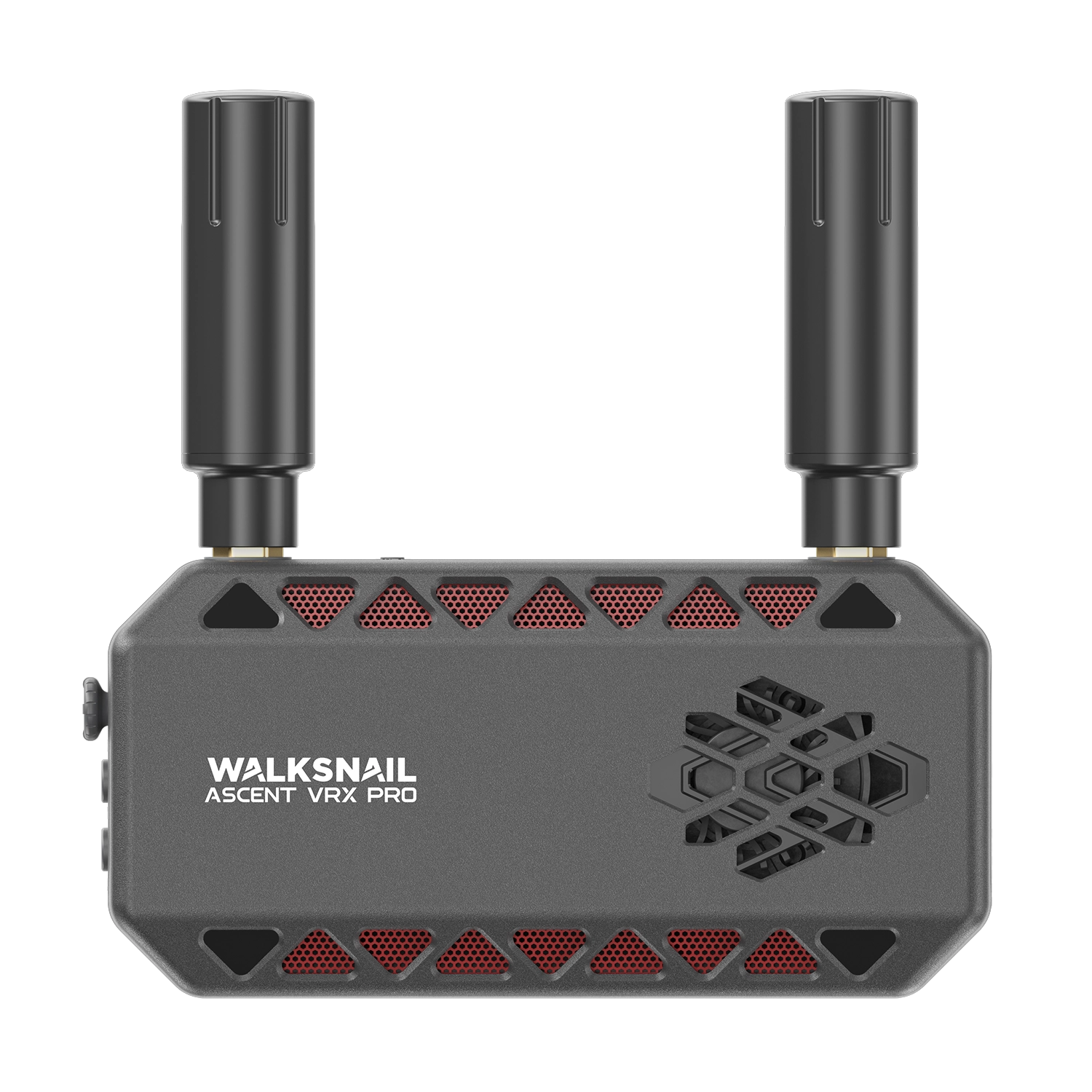
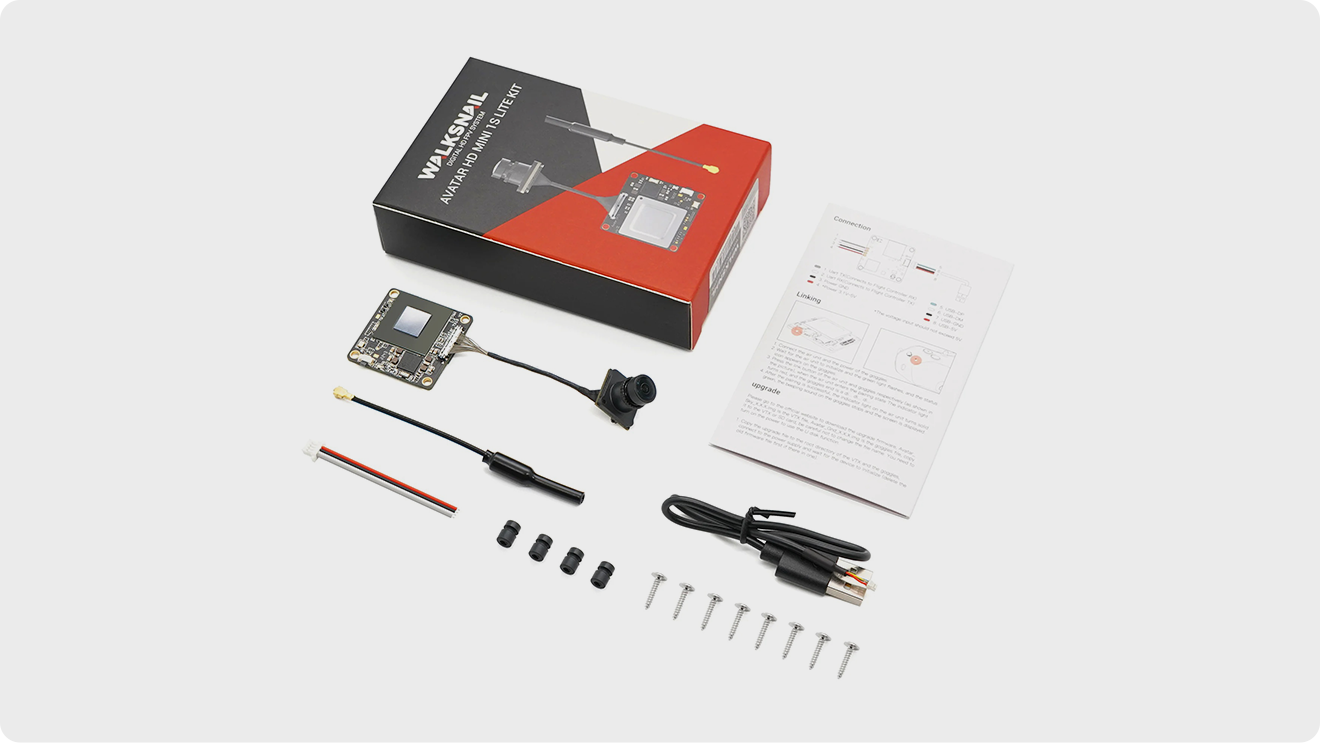
VRX | Module Red Sticker | Mini HDMI Cable | 1-to-2 DL Power Cable | 5.8GHz Antenna | L-shaped Hex Wrench | Mounting Screws

In the Box

Specification

VTX Specifications

ModelAvatar Mini 1S Module
Operating Frequency5.725 – 5.850 GHz
Transmit Power (EIRP)

V2 Board: FCC: <25.5 dBm; CE: <14 dBm; SRRC: <20 dBm; MIC: <25 dB

mV3 Board: FCC: <27 dBm; CE: <14 dBm; SRRC: <20 dBm; MIC: <25 dBm

ConnectorsJST1.04 (Power) / HSG0.84 (USB)
Mounting Holes25.5 × 25.5 mm
Dimensions30 × 30 × 6 mm
Built-in Storage8GB / 32GB
Recording Format1080P / 720P
Weight6.8 g
Operating Temperature-20°C to 40°C
Channels8
Input Voltage

V2 Board: 3.3V – 5V

V3 Board: 3.1V – 13V

Supported FC SystemsBetaflight, INAV, Fettec, Kiss, ArduPilot
Bitrate25 Mbps / 50 Mbps
OSDCanvas Mode
End-to-End LatencyAvg. 22 ms
Antenna ConnectorIPEX

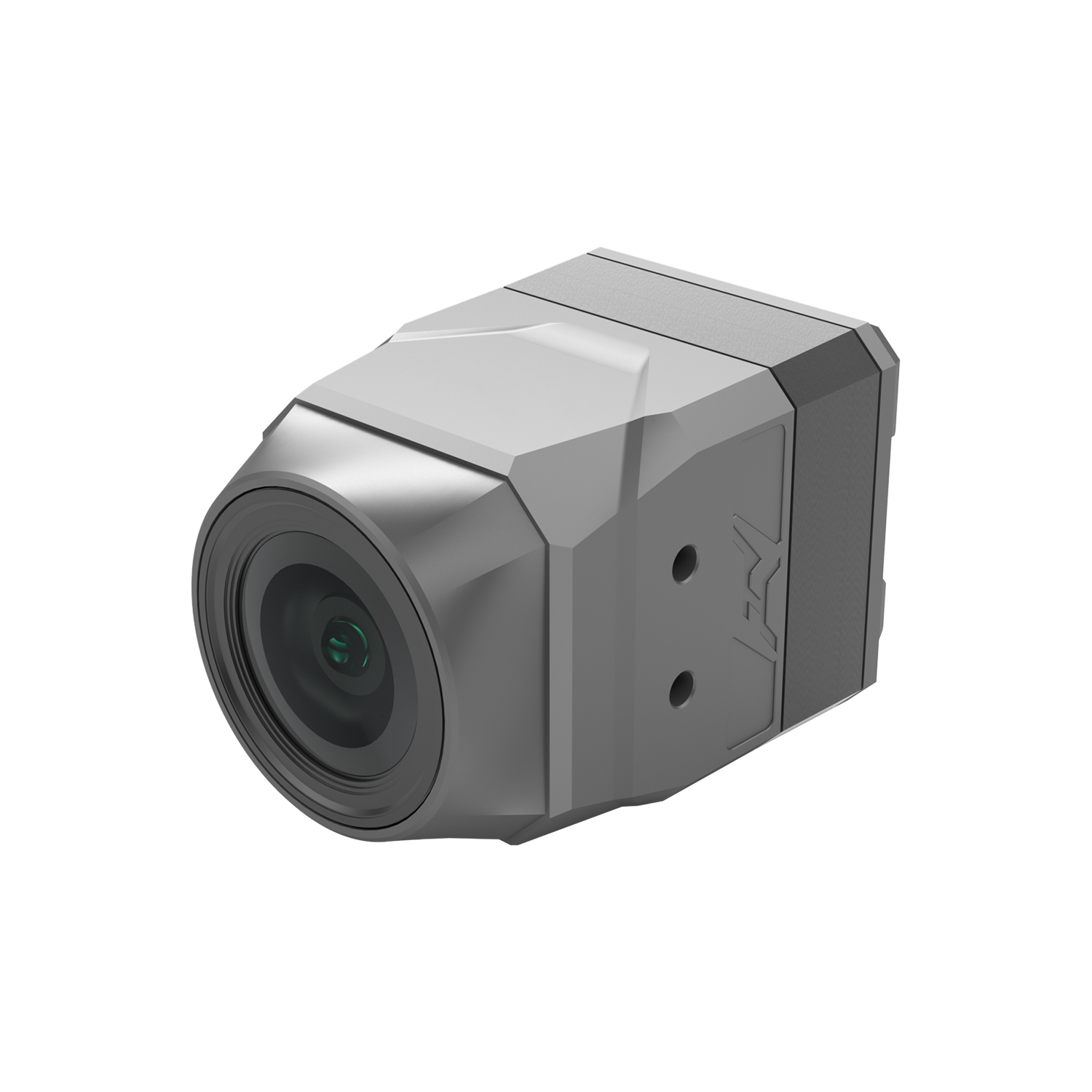
Camera Specifications

ModelAvatar Lite CameraAvatar Nano Camera
Image Sensor1/2.7” Inch1/2.7” Inch
Resolution1080P/60fps, 720P/120fps, 720P/60fps1080P/60fps, 720P/120fps, 720P/60fps
Aspect Ratio16:9 / 4:316:9 / 4:3
Lens2.1 mm2.1 mm
FOV170°170°
ApertureF2.0F2.0
ShutterRolling ShutterRolling Shutter
Minimum Illumination0.001 Lux0.001 Lux
Weight1.9g3.5g
Dimensions14 × 14 × 16 mm14 × 14 × 17 mm

Online Chat

Working Hours: Mon-Sun 09:00-21:00

Start Online Chat

Contact Hotline

(+86) 0755-84861719

Mon-Fri 09:00-18:30

Follow CADDX

Follow CADDX

News, Education, Service, All Here