





















-
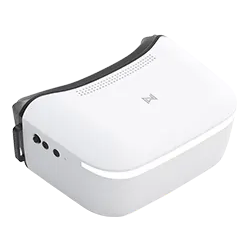
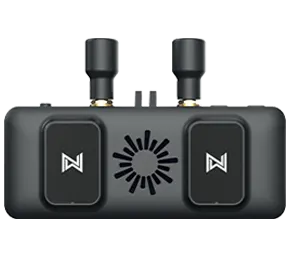
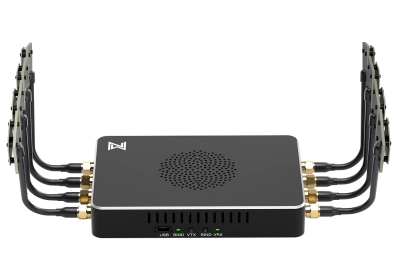
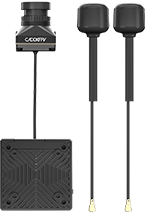
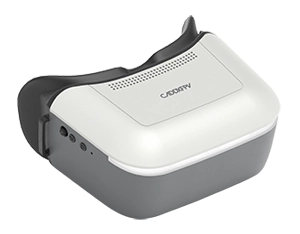
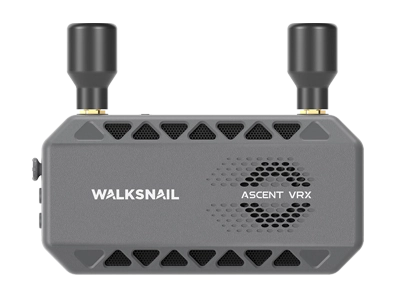
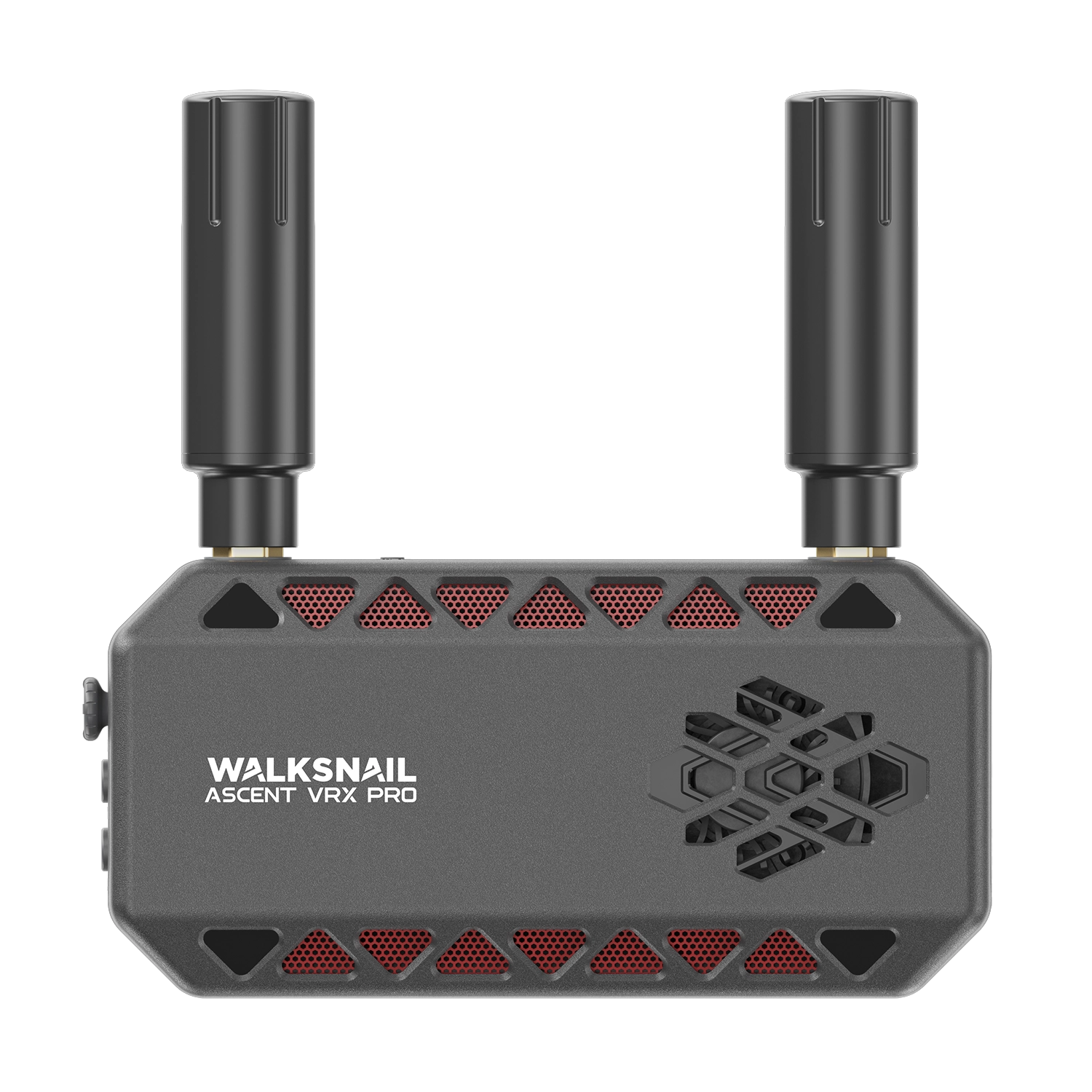
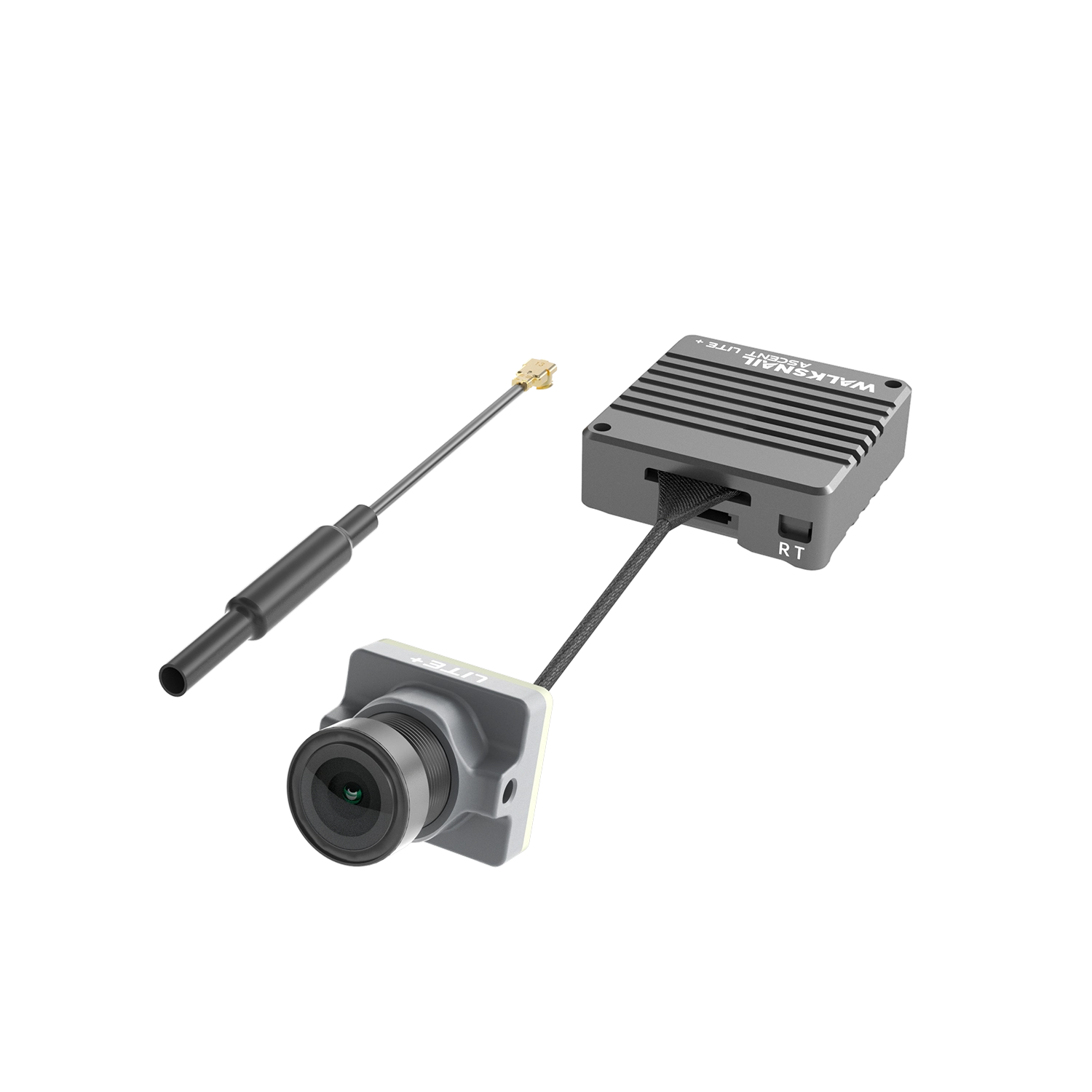
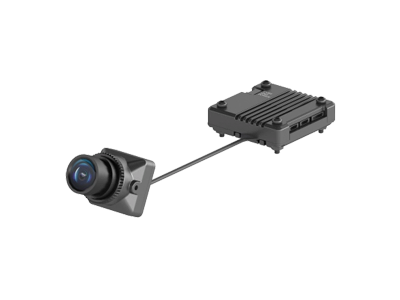
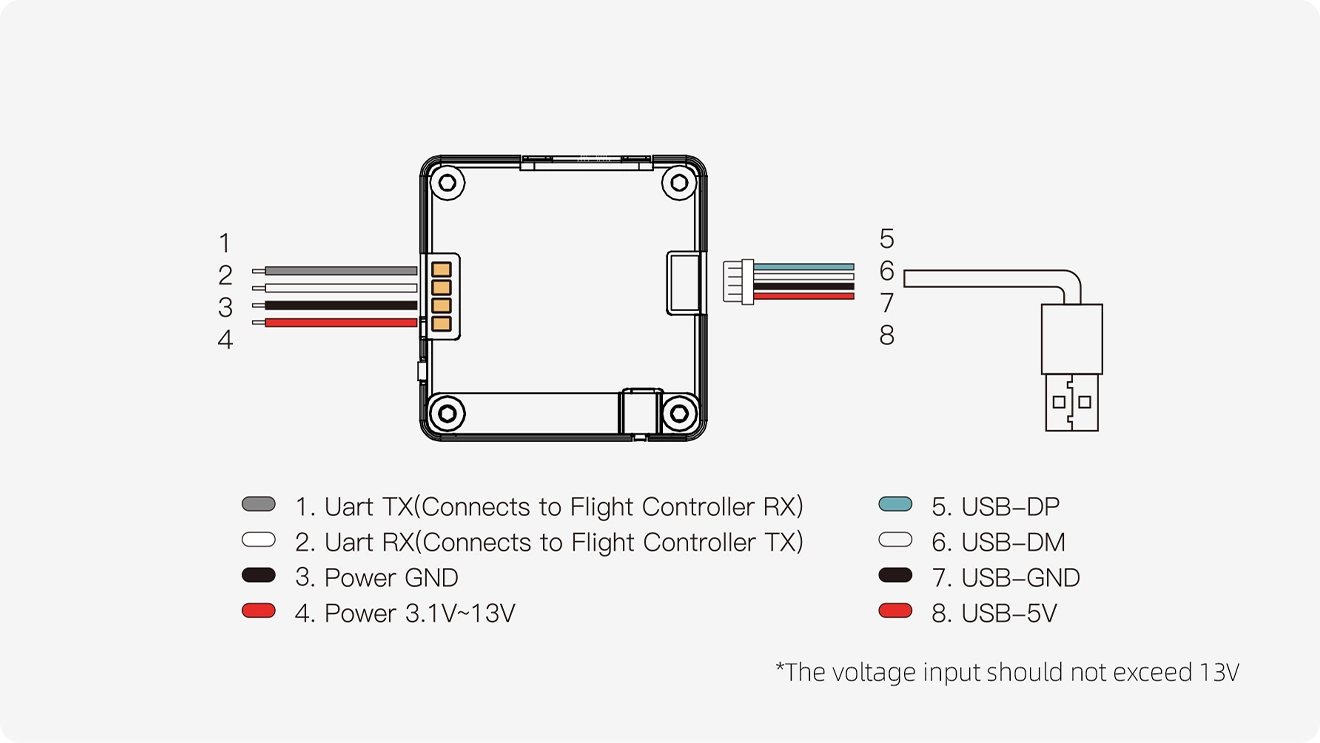
01Connect the VTX to the power supply of the glasses.
-
02After the equipment is powered on, the VTX green light starts to flash and the status icon appears on the goggles.
-
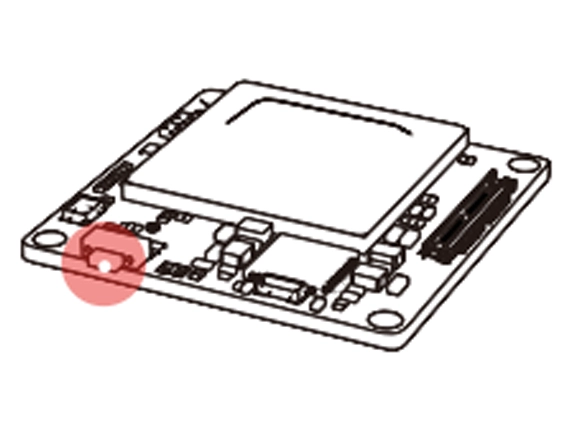
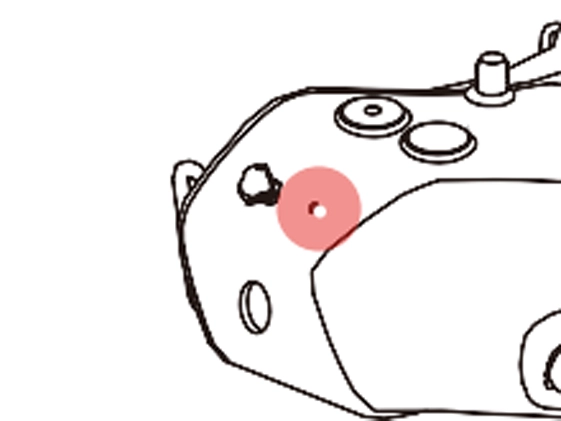
03Press the frequency matching buttons of the VTX and the glasses respectively (as shown in the figure). When the pairing process is completed, the VTX indicator light turns red, and the glasses end emits a "drip... drip... drip..." sound as a notification.
-
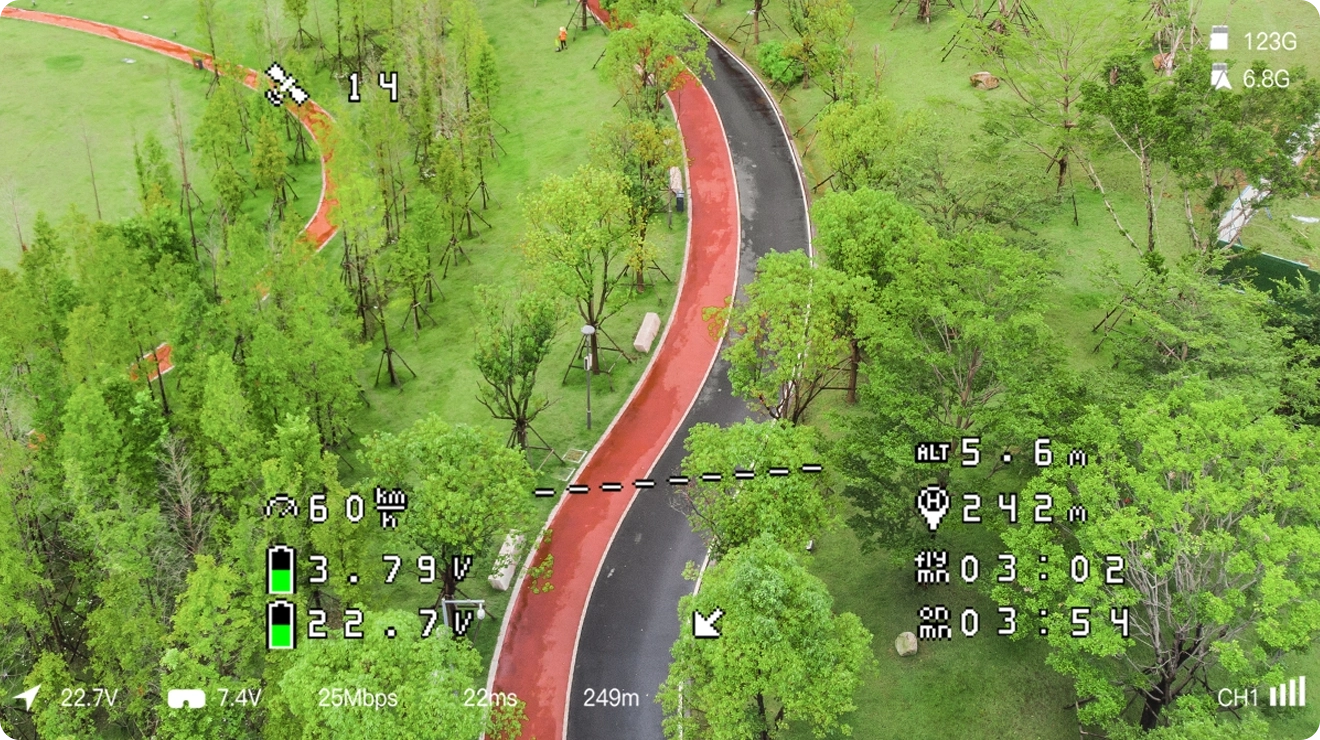
04After frequency matching is successful, the indicator light on the VTX turns green and stays on constantly. The glasses' buzzer stops and displays the video transmission screen.