














-
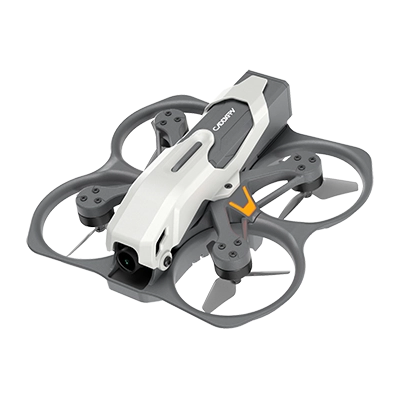
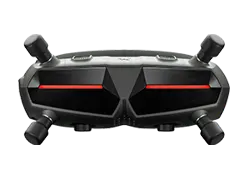
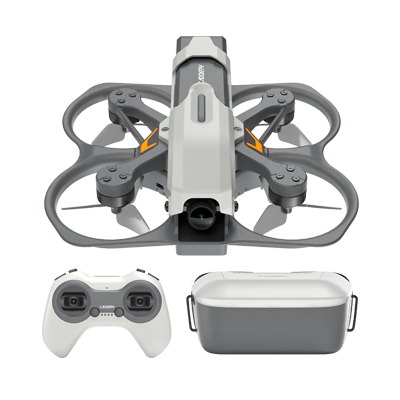
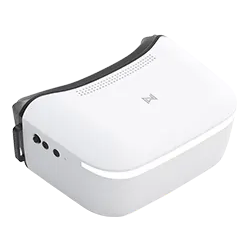
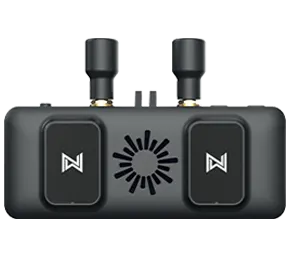
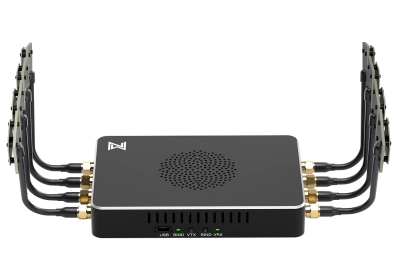
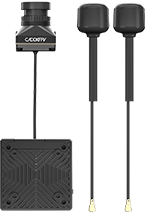
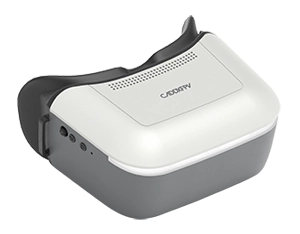
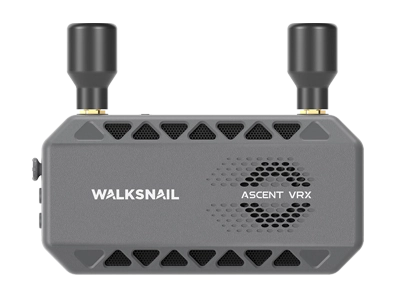
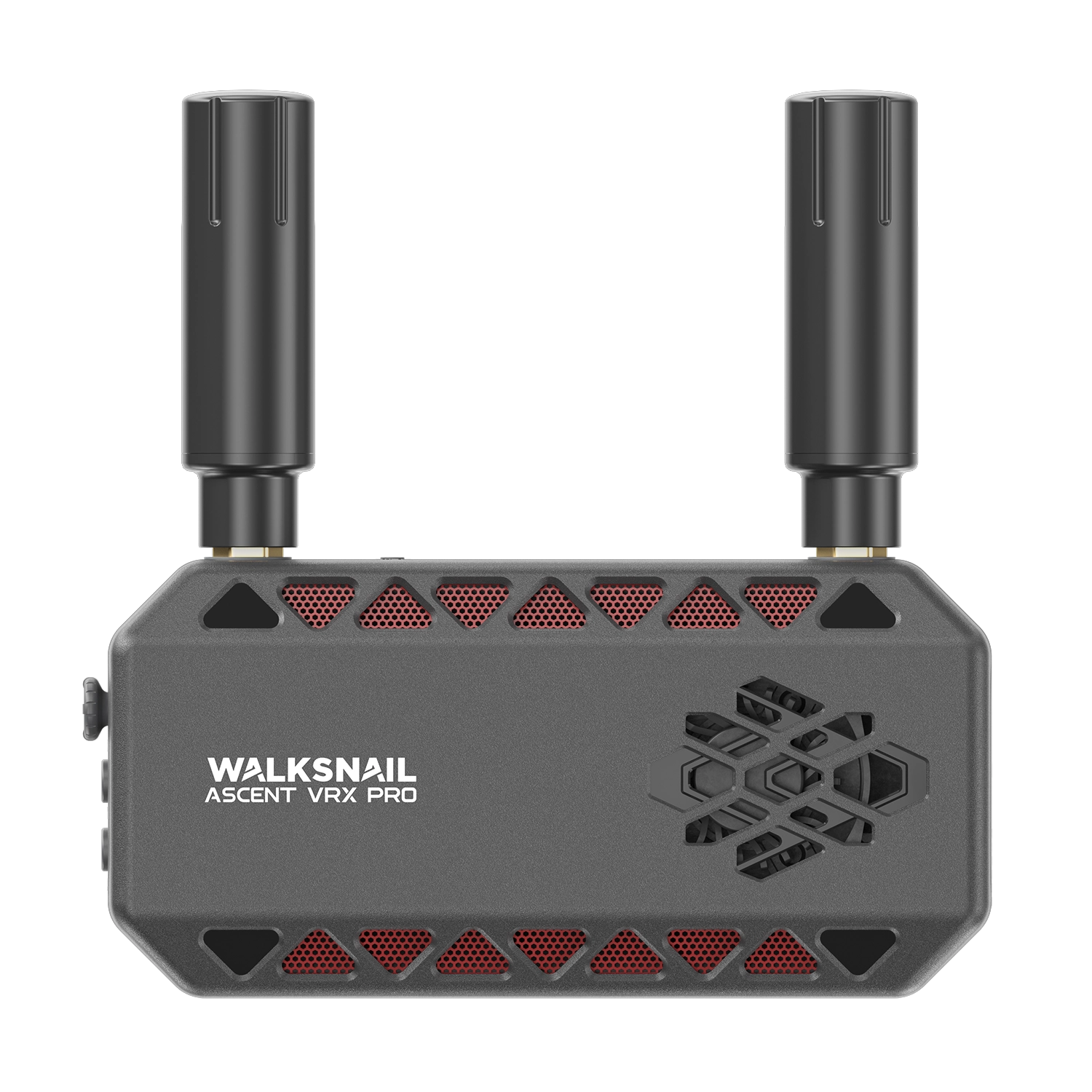
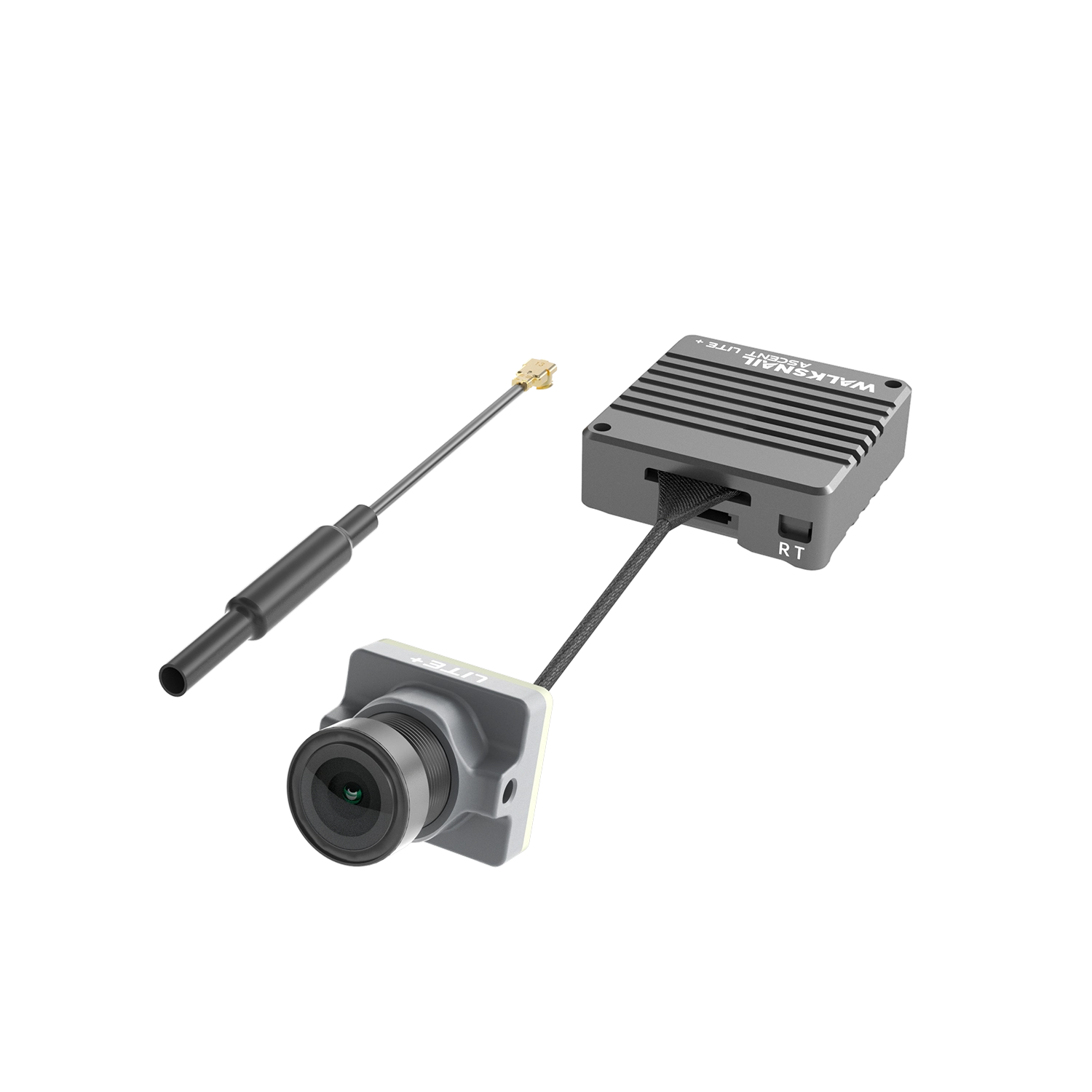
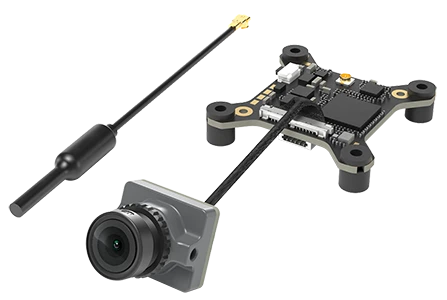
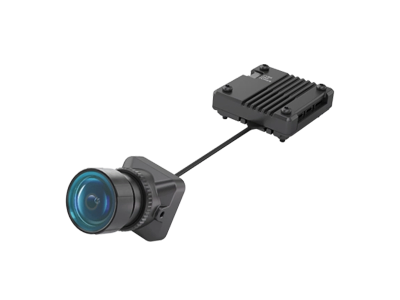
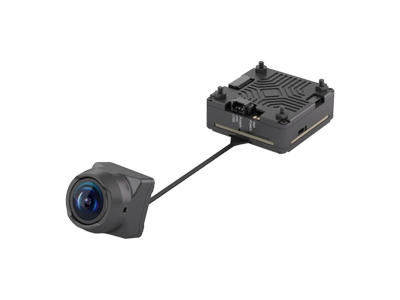
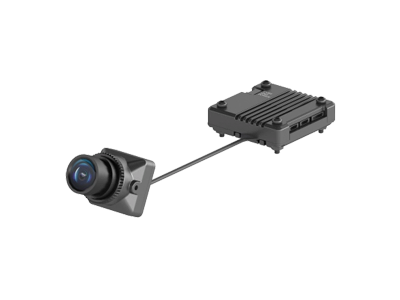
01Power on both the air unit (airside) and the goggles.
-
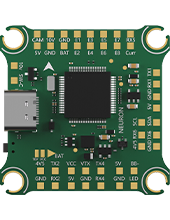
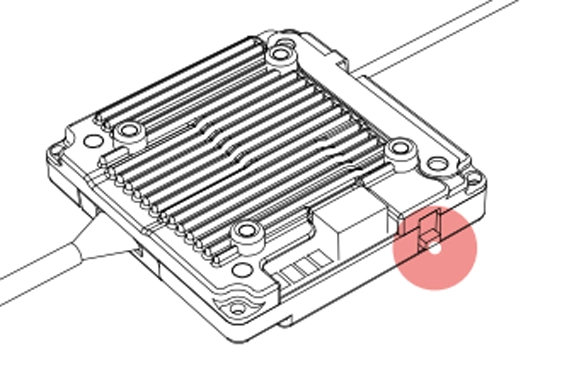
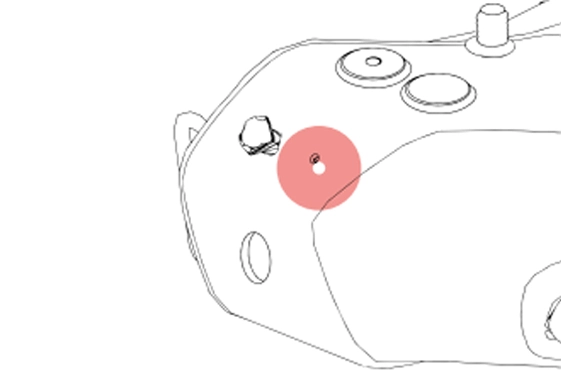
02After both devices have finished booting, short-press the pairing button on the air unit and the goggles respectively. When pairing mode is entered, the LED on the air unit will turn red, and the goggles will emit a beep… beep… beep… sound.
-
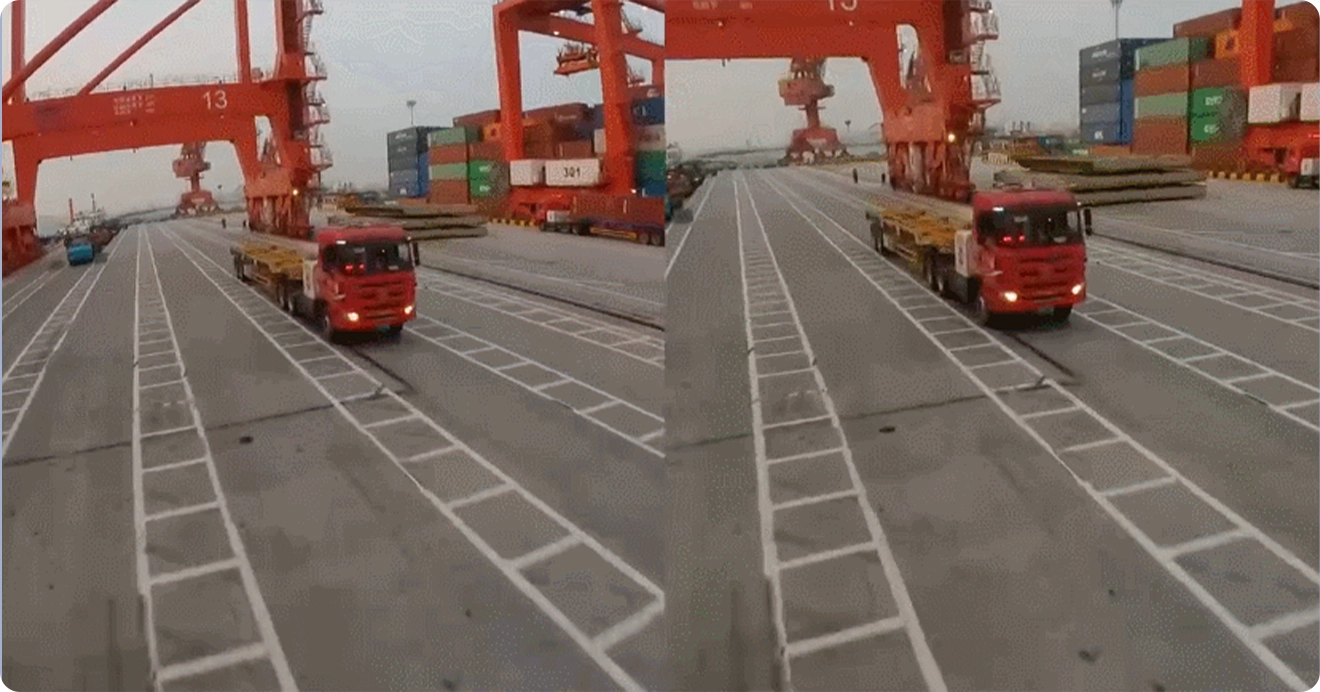
03Once pairing is successful, the LED on the air unit will turn solid green, the buzzer on the goggles will stop, and the live video feed will appear on the screen.